Understand taxi bookings and payment in Istanbul. Check the car, explain extra charges and know where to ask for help.
The price on your phone and the amount at the end of a taxi ride can differ for legitimate reasons. You should still be able to understand the difference: the meter, vehicle category, booking settings and road tolls are separate parts of the bill.
For an ordinary journey in Istanbul, you can request a licensed taxi through BiTaksi or the Taxi category in Uber. The app keeps booking details and provides a support channel. It cannot guarantee a car, an error-free journey or a fixed fare.
BiTaksi or Uber: check the booking settings
Enter your pickup point, full destination address and suitable vehicle category. Uber Taxi in Istanbul uses licensed local taxis and displays an estimated fare range. The experience you know from London, New York or another Uber category does not automatically apply here.
With BiTaksi, check the options before confirming. Its terms of use allow passengers to choose pickup with the meter running, so the charged journey can start before you get in. Check whether you selected that option or a preset tip. Different vehicle categories do not share one tariff.
If one app cannot find a car, try the other or an official taxi rank. Before cancelling, read any fee warning: BiTaksi cancellation charges depend on the booking circumstances. If the driver refuses your destination, record the reason with support rather than simply cancelling without explanation.
Before getting in: plate, address and payment
Match the registration plate and vehicle description to the booking. If they differ, do not get in; contact support.
Confirm the complete destination, including the hotel name and entrance. Similar names can lead to different districts.
Check the car category and meter. Save the estimate and pickup conditions.
Check your selected payment method and any additional charges.
Do not cancel at the driver's request to continue outside the app: you lose the connection to that booking and some support options. At a rank or on the street, record the plate yourself. “Taksimetre?” means “Using the meter?” A prebooked fixed-price transfer is a separate service; get its terms in writing.
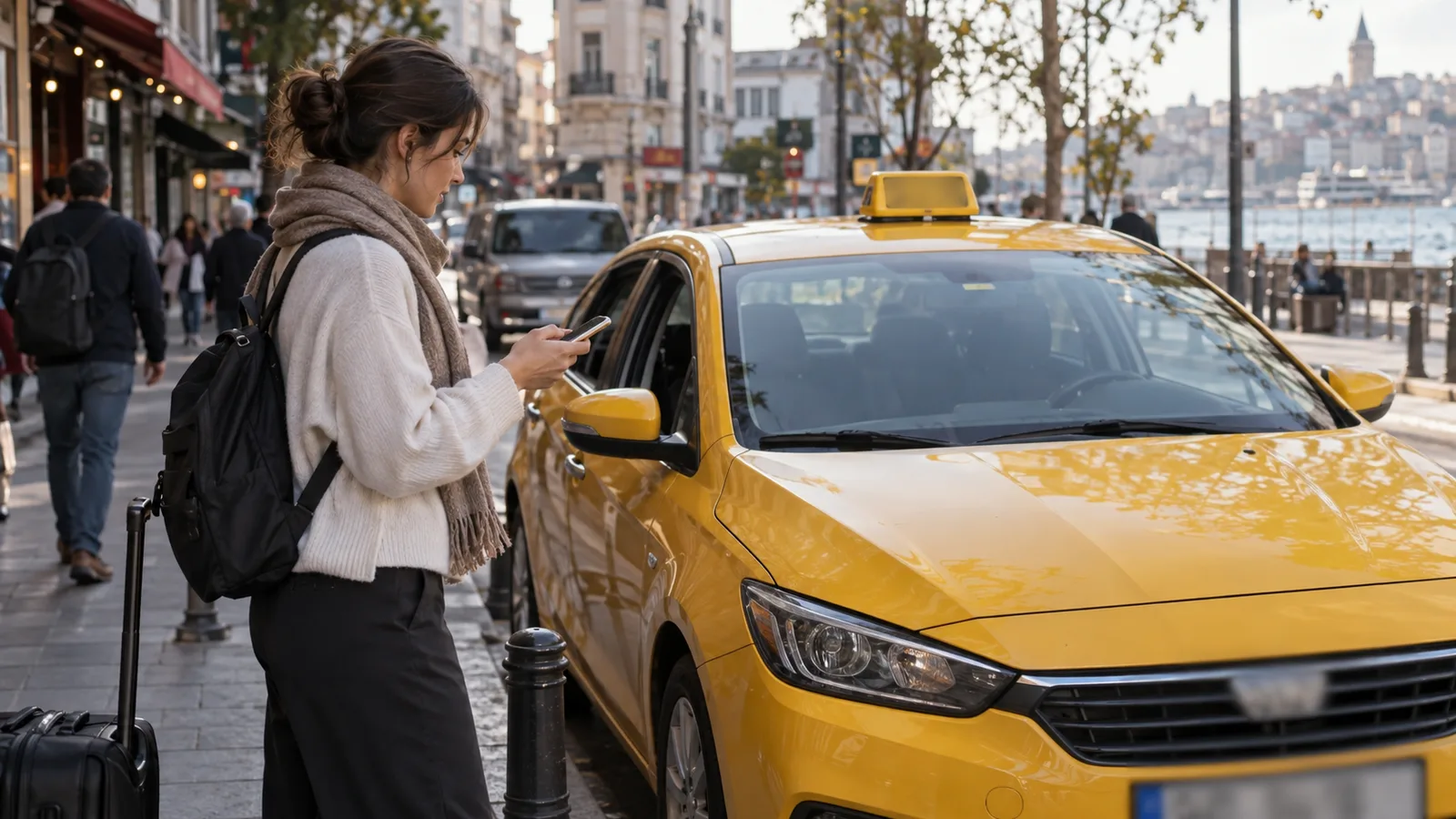
Check the car before getting in. AI-generated illustration, not a photograph of a specific taxi or driver.
Understand the final fare
Ask for a breakdown into meter fare, platform fee and tolls. BiTaksi's terms exclude bridge and highway tolls from the estimate and provide for a separate service fee. Check the current fee in your booking. Municipal rates are listed in TUHİM's tariff section (Turkish); there is no single price for “a ride across Istanbul”.
Traffic and routing affect the amount. A detour alone does not establish wrongdoing: the shorter road may be closed or congested. Check your map and calmly ask why the route changed. Before a toll bridge or tunnel, ask how the charge will be included. An unexplained surcharge needs an explanation.
In-app card payment and payment to the driver differ
A saved card in the app, an ordinary payment terminal and bitaksiPOS are different payment channels. The bitaksiPOS passenger page says foreign cards are not accepted, a separate transaction fee applies and the payment slip does not replace a taxi receipt. These restrictions concern bitaksiPOS, not every taxi payment method.
Check your card and your issuing bank's conditions before travel. A UK or US card is not guaranteed to work simply because you use an English interface. Keep some Turkish lira available for a confirmed payment failure. When paying cash, state the banknote value and check the change.
If the driver says the payment failed, compare the booking status, final receipt and bank transaction. A pending transaction or temporary authorisation is not proof of a settled payment. Do not pay twice solely on a verbal request: clarify the status with support first. If the payment genuinely failed, agree on an available method and retain confirmation.
If there is a dispute
Keep the plate, date and time, pickup and drop-off points, route, meter amount and requested surcharge. Save screenshots and request a receipt. Contact app support for that ride; municipal enquiries can go through İBB Çözüm Merkezi / Alo 153. A complaint does not guarantee a refund.
If you face an immediate threat, prioritise a safe place and emergency assistance on 112. Do not get out of a moving car or use force to settle the disagreement.
Bellboy's advice
Set up the app, phone-number verification and connectivity before leaving your hotel or Istanbul Airport. Mobile data helps with booking and support; a downloaded offline map still helps you navigate without a connection. If considering blueSIM or another eSIM, check device compatibility, coverage and activation. A data package does not necessarily provide a number for SMS or voice calls.
Before each ride, check the car, charging conditions and payment method. Afterwards, compare the itemised amount and keep the receipt. These small steps are more useful than assuming an app protects you from every problem.