Life hacksPublished October 13, 2026· Last reviewed October 13, 2026
Taxis in Hurghada: when the driver asks for more than the app price
The price in your booking may differ from what the driver asks for. Here is what to check before getting in, how to pay and how to handle a dispute.
If a driver asks for more than the amount in your accepted booking, clarify why before getting in. Do not start the journey while the terms are unclear. First, check which price you are seeing: a suggestion, a driver's offer or an estimate for a ride you have already booked. Save the booking screen and the conversation. If you cannot agree, end the booking through the app under its rules and choose another option.
Already on the road? Compare the request with the final amount in the app and take any disputed extra charge to support. Do not let payment become a confrontation: if you feel pressured, get to a safe, busy place first, then deal with the fare.
Why the app and the driver may quote different amounts
With inDrive, you choose an offer first
The inDrive instructions describe the suggested fare as a guide. Passengers can propose their own amount. Then, as inDrive's product team explains, offers arrive from drivers and the passenger chooses one. A higher offer before confirmation is therefore not yet a change to an agreed fare.
Check the amount in the offer you actually selected. If a driver has already accepted the ride and then writes “I will only go for more”, that is a different situation. Ask what has changed: the address, stops or other terms. If the route is unchanged and the new amount is unacceptable, do not agree simply because the car has arrived.
Uber's final fare can change under its rules
Uber explains that the initial estimate reflects expected journey time and distance, traffic and demand. Changing the pickup or destination, adding stops, taking a different route or a long delay can affect the final fare. So “always pay only the first figure” is too simple a rule.
However, a driver asking for cash beyond the amount on your screen is not the same as an app recalculation. Uber asks passengers to report extra payments: on a cash ride, use the final amount in the app; on a cashless ride, the driver should not demand extra cash. Also check whether the total includes an unpaid balance from an earlier ride.
What to check before getting in
Enter the precise address and entrance. Both sides need to understand whether the journey ends at the resort gate or the entrance to a particular hotel.
Check the route, amount and currency in the accepted booking. Do not convert the fare into dollars by guesswork or compare it with an unverified figure from a group chat.
State the number of passengers, the amount and size of luggage, and any child seat needed. Four people with suitcases may need a different car.
Clarify the payment method and possible extras. If parking, entry or waiting is mentioned, ask for the amount, the basis for the charge and whether it is included in the booking.
Save the terms on screen and the driver's replies. Then match the registration number, car model and driver's photo with the booking.
inDrive's safety advice also recommends explaining special requirements in advance and not getting in if the driver or car details do not match. Wait in a safe, well-lit place. Hand over luggage after checking the car and agreeing on the terms.
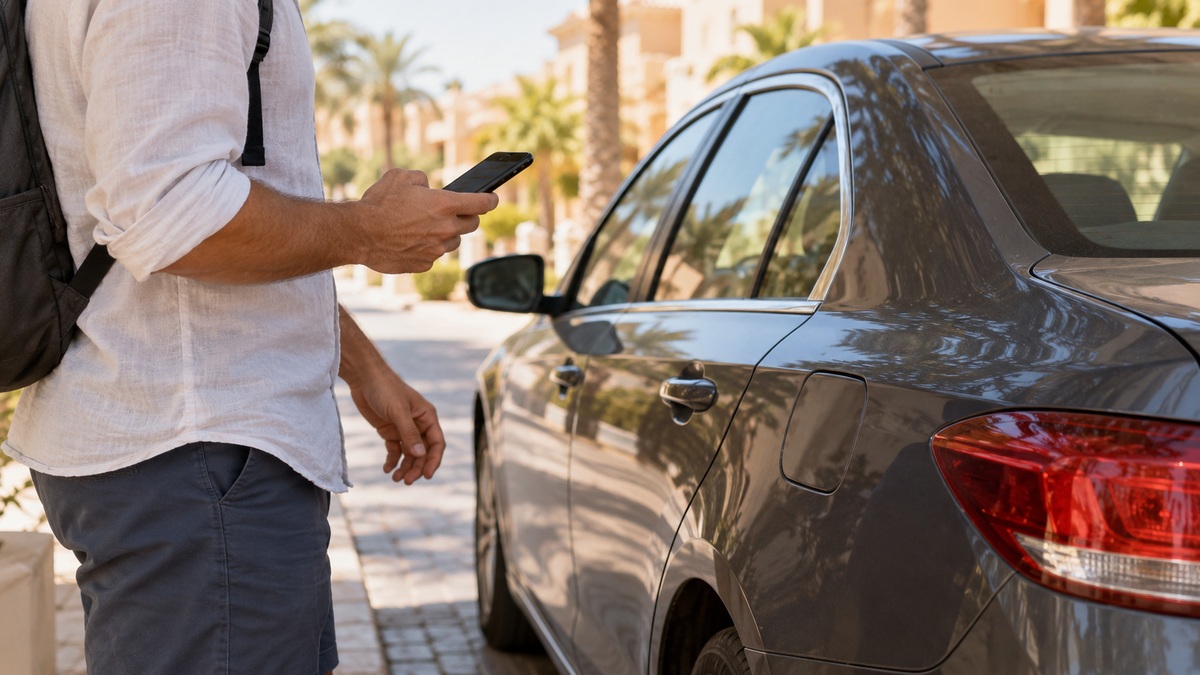
Check the accepted booking and the car before getting in. AI-generated illustration; it does not depict a particular service or location.
City rides, the airport and resort complexes
Uber confirms its presence in Hurghada, and inDrive's official Egypt guide includes Hurghada in its city list. This establishes that the services operate there; it does not promise an available car at every hotel whenever you need one. Check availability between your two specific locations in the app.
Careem also has a page for drivers in Hurghada and a ride service in Egypt. If you use it, check which category is available for your route first: Careem's booking instructions advise checking the estimated fare and choosing the payment method before booking. These pages do not confirm continuous car availability in Sahl Hasheesh, Makadi or El Gouna.
From Hurghada airport
For HRG airport, Uber publishes separate pickup instructions: follow the location shown after booking and contact your driver through the app. The pickup may not be at the nearest exit. Do not leave the airport grounds to find a car solely on a stranger's verbal advice; confirm the way with an airport employee and the driver of your accepted booking.
If vehicle capacity, a child seat or a pickup at a particular time matters after your flight, compare a confirmed transfer with the available app options in advance. Ask the provider for the full amount, currency, meeting point, flight-delay waiting terms and cancellation conditions. A price without these details is not very useful for choosing.
Sahl Hasheesh, Makadi and El Gouna
Do not apply the price of a short city ride to an airport–Makadi or Sahl Hasheesh–El Gouna journey. Enter the actual locations, date and time. For an event, plan the return separately: the car taking you there does not automatically mean a return trip has been agreed.
Ask your particular hotel beforehand where pickups are permitted and whether the driver needs a pass. There is no verified entry rule covering all resorts. If the car waits at the gate, consider whether walking there with children and luggage suits you. If pickup is inconvenient, compare an option the hotel can confirm in writing.
Cash, dollars and connectivity
For a cash ride, have small notes in the agreed currency. If the booking is in Egyptian pounds (EGP), paying in that currency avoids a separate exchange-rate negotiation. Before paying, state the amount handed over and the change you expect.
Can you pay inDrive in US dollars? Do not assume this is a general service rule. Check the permitted payment method for your booking. If another currency is discussed, record the amount and change in advance; if the terms are unclear, choose the booking currency. There is no verified universal dollar-payment arrangement for Hurghada.
Set up the app and log in before flying. Uber says verification codes arrive by SMS; the inDrive instructions also require number verification. Mobile data and receiving a code are separate needs. Check your number and incoming messages with your mobile operator: neither every foreign number working nor every user needing an Egyptian number can be guaranteed.
Save the hotel address and a backup way to reach it without the app. If choosing an eSIM, check phone compatibility, internet access for installation, and whether the package includes a number and SMS. A data-only package does not itself solve the verification-code problem.
If the driver still changes the price
Before the ride starts
Ask calmly: “We are going to the address in the booking. Please confirm the amount and payment method.” It is better to write this in the app chat. If the driver demands a different amount, do not start the ride hoping to settle it at the end, and do not agree to cancel the booking to continue the same journey outside the service.
If you decline, end the booking in the app, select the accurate reason available and save the conversation. Uber warns that a cancellation fee may apply; its conditions depend on the market and booking. Check the warning on screen and ask support about any disputed charge. Do not apply overseas cancellation amounts or time limits to Hurghada. Check inDrive's current booking conditions too: free cancellation cannot be promised to everyone.
During or after the ride
Do not argue with the driver while the car is moving. If the situation worries you, ask to stop in a safe, busy place. After the ride, save the final amount, route details and the money actually handed over. If you paid more under pressure, say so in your support request.
In Uber, open help for that specific ride and select the fare issue or extra cash payment. In inDrive, contact support through the app: this channel appears in the official Egypt guide. Provide the time, route endpoints, booking terms, amounts demanded and paid, the conversation and screenshots. Ask support to review the specific discrepancy; a refund is not guaranteed in advance.
A quick check at the car door
The address and entrance match the booking.
You can see the accepted amount, currency and payment method.
Passengers, luggage and special requirements have been agreed.
The driver and car match the app details.
You have saved the ride information and have a backup option.
Bellboy's tip: have the important part of the fare conversation before getting in. The clearer the accepted booking terms, the easier it is to pay calmly or explain to support where the discrepancy arose.
Car availability, fare calculations, payment methods, cancellation conditions and pickup locations can change. Before travelling, check your booking in the app and the pickup terms with the provider or hotel.